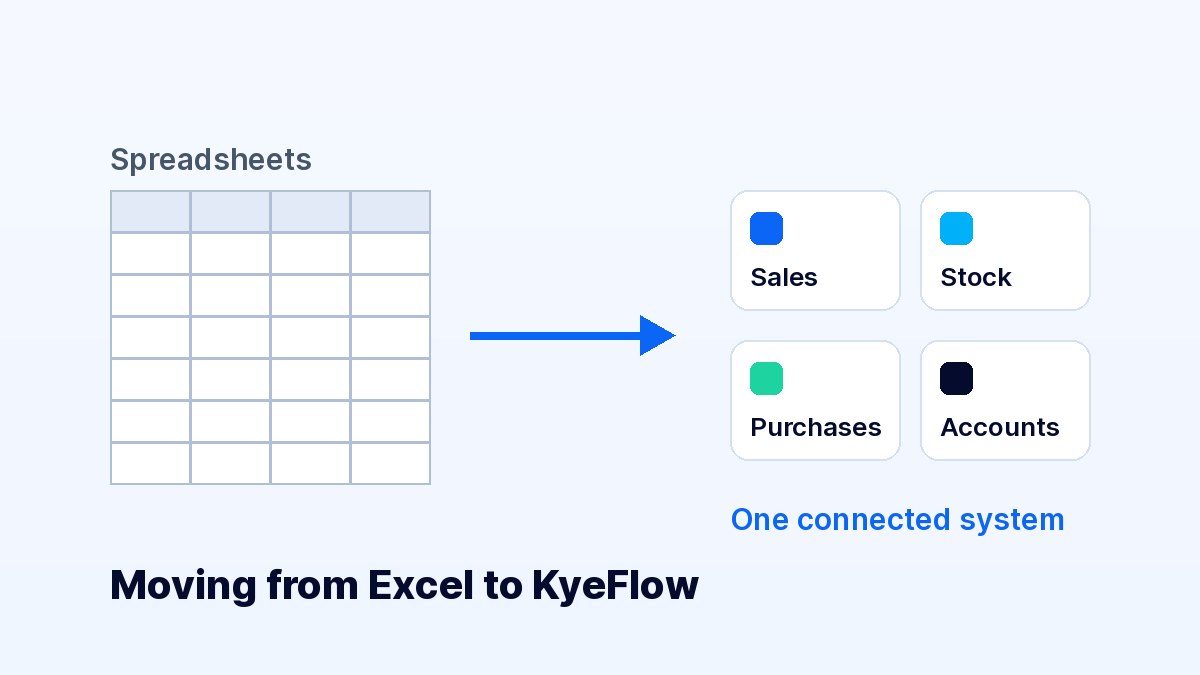
Most businesses in Laos start with a notebook, a calculator and, eventually, a few Excel files. That works while the business is small. As sales grow, staff increase or a second location opens, the spreadsheets start to fight each other: the stock file doesn't match the sales file, nobody is sure which version is current, and the owner spends evenings reconciling numbers instead of running the business.
Moving to a business system does not have to be a big project. This checklist covers what to prepare so the switch is smooth.
Write down the two or three problems that cost you the most time or money today. Common examples:
Start with the area that hurts most, usually sales and stock, and add purchasing, accounting and HR once the basics are running.
Your product list is the foundation of everything else. Before importing, make sure each product has:
KyeFlow can import products from a CSV file, so a tidy Excel sheet saves hours of manual entry.
Pick a quiet day, ideally a Sunday evening or before opening, and do a full count. Enter those quantities as your opening stock. From that moment, every sale and purchase recorded in the system updates stock automatically, so you only need regular spot checks instead of full counts.
Many Lao businesses receive kip, baht and dollars. Set Lao kip (LAK) as your main currency and add the others with exchange rates you control. Record how customers pay, whether cash, bank transfer or QR, so your daily cash summary matches what is actually in the drawer and the bank.
Give each person their own login instead of sharing one password. Limit cashiers to the POS, give the store manager access to stock and purchases, and keep financial reports for the owner. Separate accounts also show who recorded each sale, which reduces mistakes and disputes.
For a short period, keep your old method running alongside the new system. Compare daily sales totals and stock levels. Once the numbers match and staff are comfortable, retire the spreadsheets.
The real benefit of a connected system is visibility. Set a habit of checking a few reports every week: best-selling products, slow-moving stock, low-stock items and profit for the period. These numbers help you decide what to reorder, what to discount and where the business is heading.
KyeFlow brings sales, stock, purchasing, customers and accounts into one online system that runs in your browser. You can try the Basic plan free for 7 days, set up your products and test a few sales before deciding.