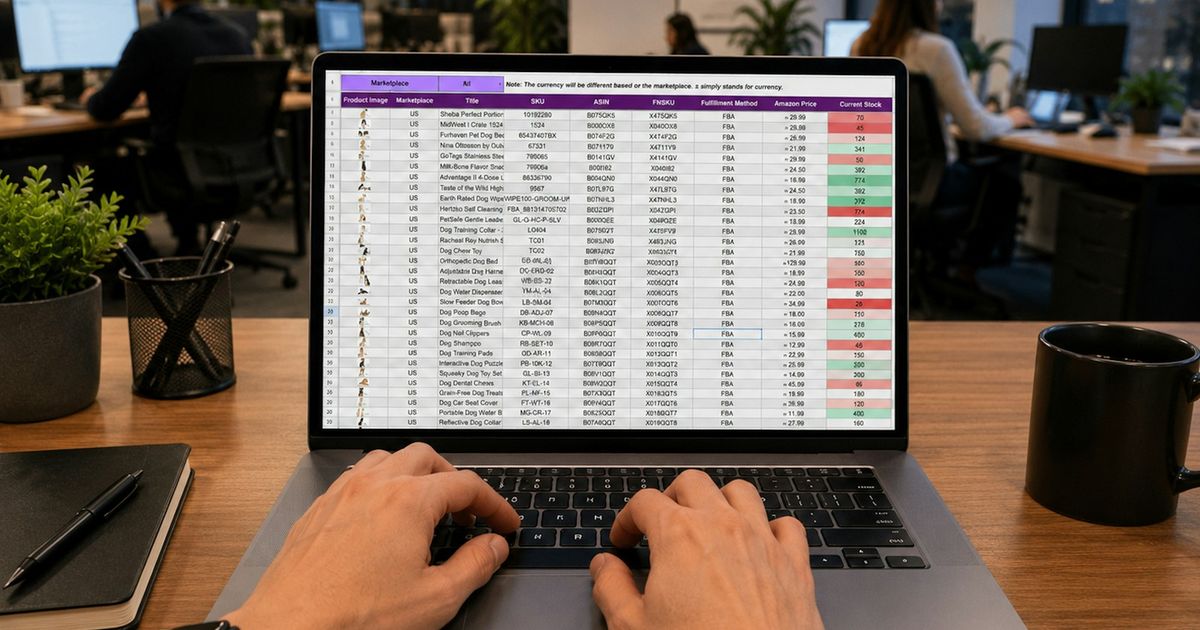
Excel is probably the world's most popular inventory tool. It's flexible, familiar and already installed on most office computers. So is there any real reason to move to inventory management software? Sometimes yes, sometimes no. This comparison explains where spreadsheets work well, where they break down and how to know which situation you're in.
Excel works well for a small number of products, one location and one person updating the file. Inventory software becomes the better choice when several people record sales and purchases, stock must update automatically, or you need reliable reports across products and locations.
For a business with a few dozen products where the owner updates stock once a day, a well-designed spreadsheet can be completely sufficient.
A spreadsheet doesn't know a sale happened. Someone must type it in. Every manual step is a chance to forget, mistype or double-enter.
"Stock_final_v3_NEW.xlsx" is a familiar problem. When the shop, the warehouse and the owner each keep a copy, nobody knows which is correct. Shared online spreadsheets help, but they still allow anyone to overwrite a formula or a row.
A spreadsheet usually shows the current quantity, not why it changed. When stock is wrong, there's no reliable trail to investigate. See how to investigate stock differences.
Sales live in the POS or a receipt book, purchases in supplier invoices and stock in Excel. Connecting them takes hours of retyping every week.
You can't easily stop a cashier from seeing cost prices or deleting rows.
Formulas break, files get slow, and the person who built the sheet becomes the only person who understands it.
| Excel / spreadsheets | Inventory software | |
|---|---|---|
| Cost to start | Very low | Subscription or licence |
| Setup effort | Design it yourself | Structure provided; enter or import data |
| Stock updates from sales | Manual | Automatic |
| Multiple users | Risk of conflicts and versions | Designed for it, with permissions |
| Movement history | Usually none | Full audit trail |
| Multiple locations | Separate sheets or tabs | Built in, with transfers |
| Reports | Build your own | Ready-made; export for analysis |
| Flexibility | Very high | Within the software's design |
| Offline use | Yes | Browser-based systems need internet |
If a spreadsheet is still the right tool for you, these habits reduce errors:
If keeping these rules feels like a part-time job, that's usually the signal it's time for software.
Switching doesn't mean abandoning Excel. Your spreadsheet is the perfect starting point for importing products into new software, and most systems export reports to Excel or CSV for analysis. Many businesses use software for daily operations and Excel for occasional deep dives.
Our checklist for moving from Excel to a POS and inventory system covers each step, and moving from paper and Excel to digital management covers the bigger picture for the whole business.
KyeFlow imports products from CSV, so your existing spreadsheet becomes your starting data. After that, every sale, purchase and return updates stock automatically, staff work in one shared system with their own logins, and reports can be exported when you want to analyse in Excel.
Key takeaways
Yes, for small and simple situations. It becomes difficult when several people update stock, when you have many products or locations, or when you need a history of stock movements.
Most inventory systems, including KyeFlow, can import products from a CSV file saved from Excel.
Google Sheets makes sharing easier, but it is still a spreadsheet: updates are manual and there is no automatic connection to sales or purchasing.
There is no fixed number. The real limit is how often stock changes and how many people update it. Many businesses notice problems once they pass about 100 active products or add a second location.
Ready to move beyond spreadsheets? Import your Excel product list into KyeFlow and let sales update stock automatically. Start a free trial.