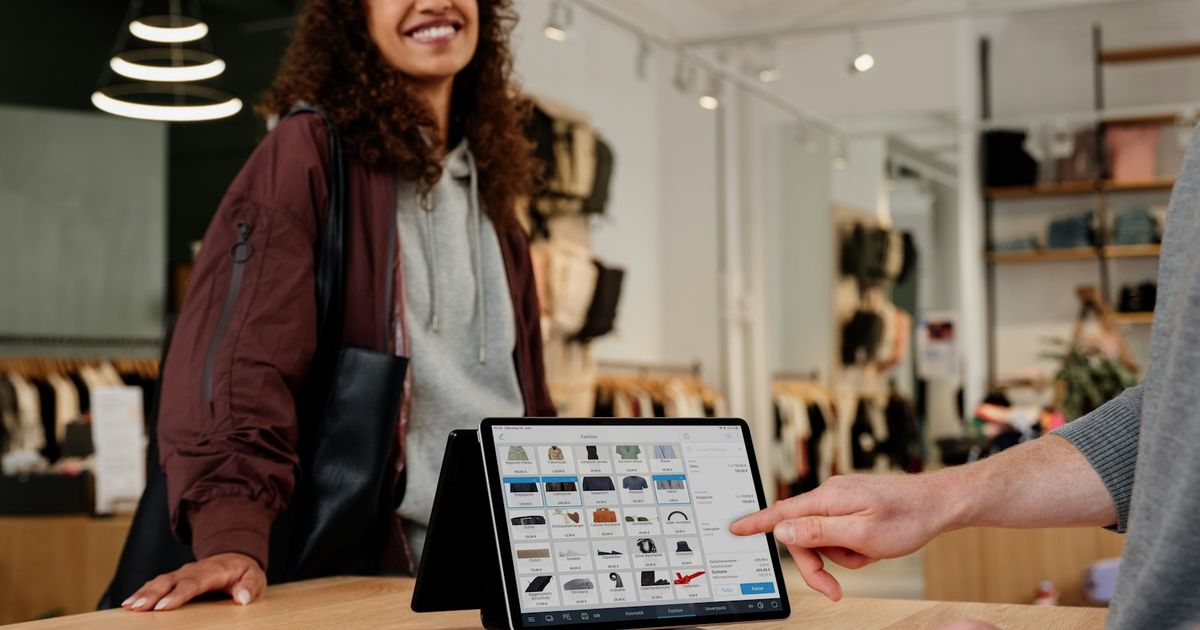
Every business that sells something needs a way to record each sale. For many shops in Laos that still means a notebook, a calculator and a drawer of cash. A POS system replaces that with software that records the sale, prints the receipt and updates your stock at the same time. This guide explains what a POS system is, how it works and how to tell whether your business needs one.
POS stands for "point of sale": the place and moment where a customer pays. A POS system is the combination of software and hardware used to record that sale: which products were sold, at what price, how the customer paid and who served them. Modern POS software also keeps the product list, tracks stock and produces sales reports.
In everyday use, "POS" usually means the software running on a computer, tablet or phone at the counter, together with devices such as a barcode scanner and receipt printer.
The key difference from a notebook is step 6. The information is recorded once and becomes immediately useful elsewhere in the business.
Each transaction is stored with date, time, items, quantities, prices, discounts and the staff member who made it. You can look up any past sale, reprint a receipt or process a return against the original sale.
The system records how much was paid and how. At the end of the day you can compare the expected cash total with what is in the drawer.
If the POS is connected to inventory, each sale reduces the stock of the products sold. This is what lets you know how many units are left without counting the shelf. Our guide to inventory management explains this in more detail.
Many POS systems let you attach a sale to a named customer. That builds a purchase history and lets you track customers who buy on credit and still owe you money.
Because every sale is recorded consistently, the system can show daily sales, best-selling products, sales by staff member and profit, depending on how much the software includes.
| Device | What it does | Do you need it? |
|---|---|---|
| Computer, tablet or phone | Runs the POS software | Yes. Browser-based systems work on most devices you already own. |
| Barcode scanner | Adds products by scanning | Strongly recommended if you sell packaged goods |
| Thermal receipt printer | Prints receipts quickly | Recommended; ESC/POS printers are the common standard |
| Cash drawer | Secures cash; often opens from the printer | Useful for cash-heavy shops |
| Barcode label printer | Prints labels for items without barcodes | Useful for own-brand, loose or repacked goods |
| Weighing scale | Sells by weight | Only if you sell produce, meat or bulk goods |
Start with the minimum and add devices as you need them. Check that your chosen software supports standard devices, so you are not locked into one supplier's hardware.
A traditional cash register adds up totals and stores cash. It does not know what is on your shelves, who your customers are or which products make money. A POS system records the details behind every total. If a register tells you "today's sales were ₭3,200,000", a POS tells you which products made up that amount, which staff member sold them and how much stock is left.
Notebooks and spreadsheets are flexible and cheap, and they work when sales are few. The problems appear as volume grows:
We compare the two approaches in detail in Inventory software vs Excel.
If two or three of these sound familiar, a POS system will probably save you time quickly.
Standalone POS apps focus on the checkout: fast sales, receipts and basic reports. Many are free or low-cost and work well for small single-location businesses.
Installed desktop POS runs on one computer. It can work offline, but data lives on that machine, so backups and remote access are your responsibility.
Browser-based (cloud) POS runs online. You can log in from any device, data is stored centrally, and owners can check sales remotely.
POS as part of a business management system connects the checkout to inventory, purchasing, customers, accounting and reports, so a sale updates everything at once. This suits growing businesses that want one source of truth.
Not sure which type fits? Read How to choose the right POS system for your business or our comparison of free and paid POS.
KyeFlow is a browser-based business management system built in Laos. Its POS screen supports barcode scanning and thermal receipt printing, and each sale updates stock, customer history and reports. Lao kip can be set as the main currency, with other currencies at your own exchange rates. Plans and included features are listed on the pricing section.
Key takeaways
No. Small shops often benefit the most because a POS removes manual adding up, reduces cash mistakes and shows stock levels without counting.
Yes. Browser-based POS systems run on phones, tablets and computers. A larger screen is easier for busy counters, but a phone is fine for checking sales remotely.
Many do. When the POS is connected to inventory, every sale automatically reduces stock. Some free POS apps include only basic stock tracking, so check before choosing.
POS covers the checkout. ERP or business management software connects the checkout with purchasing, inventory, accounting and other parts of the business.
Ready to bring sales and stock together? KyeFlow connects your POS to inventory, customers and reports. Start a free trial on the Basic plan or see what KyeFlow includes.